Pages
A "page" refers to the displayed step a candidate takes in order to navigate through a questionnaire. Currently, Honey supports configuration for these page keys:
welcomequestionnaireeligibleineligibleleaveclinicFormsiteSelectorcontactDetailscompleted
These keys are referenced in the questionnaire configuration in two places:
- In
config.steps, which defines the order in which the pages are displayed in a happy flow for the user. - In the keys of
config.customPages, where custom text can be configured in place of the translations provided bymessages.
Flow example
Page summaries
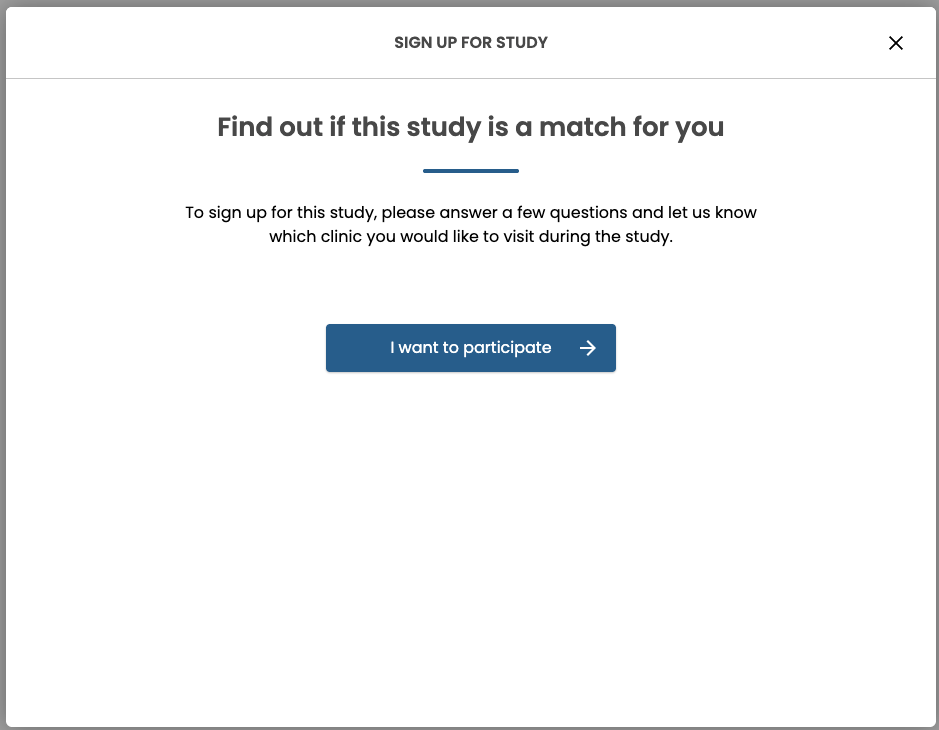
welcome
The welcome page, displayed when the candidate opens the questionnaire. Relevant messages in messages.Welcome.*.
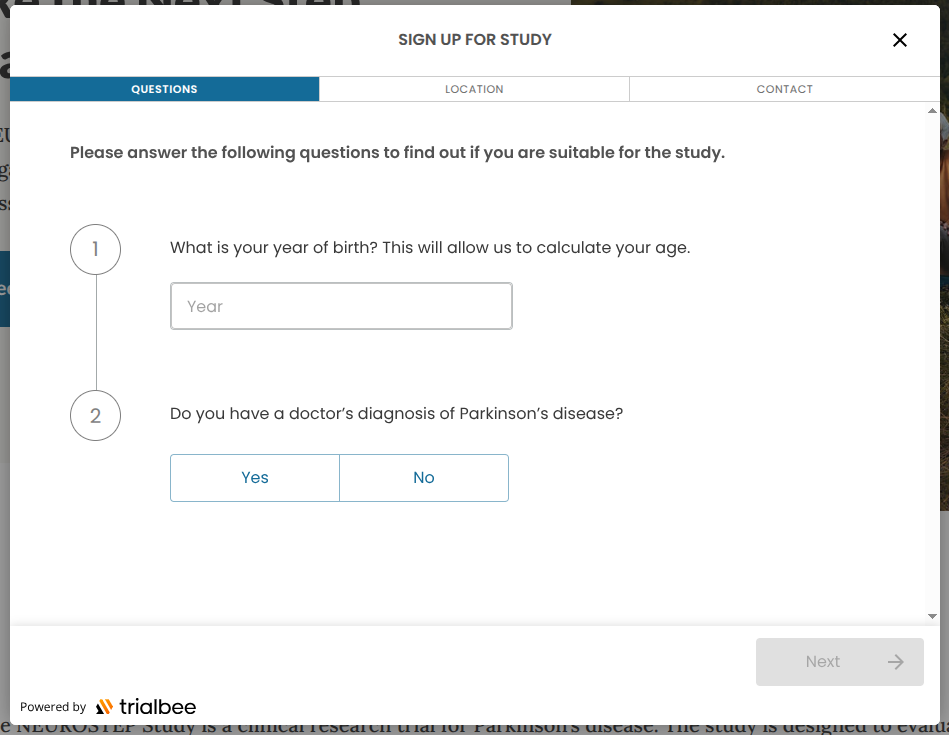
questionnaire
The page where the questions are being displayed. Relevant messages in messages.Questionnaire.*.
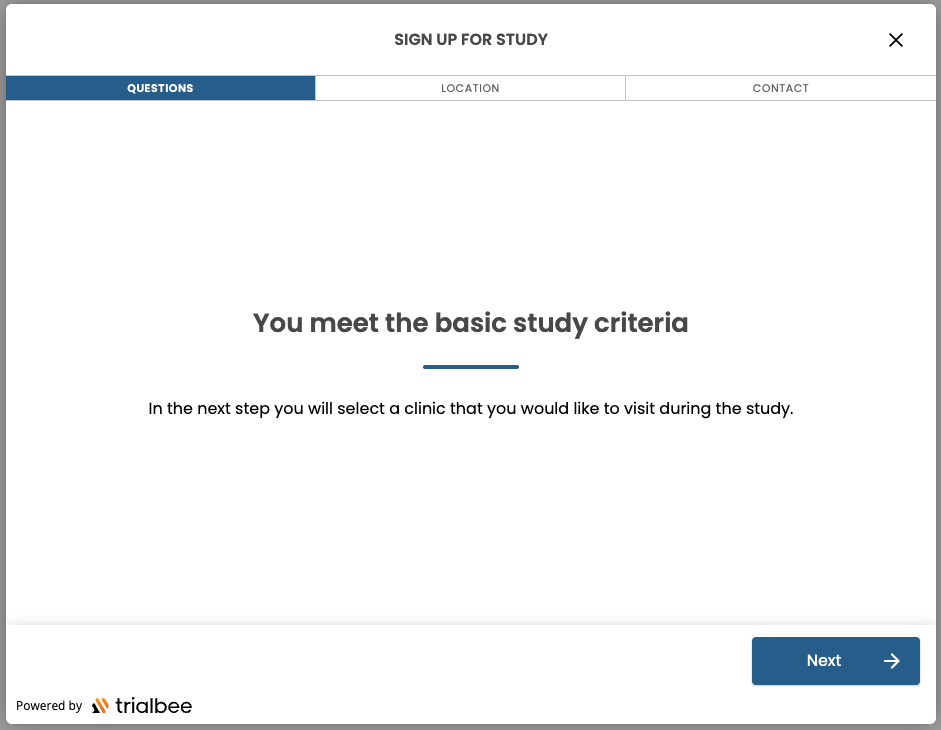
eligible
The page where the candidate is informed that they are eligible for the study. Relevant messages in messages.Elegible.* (sic).
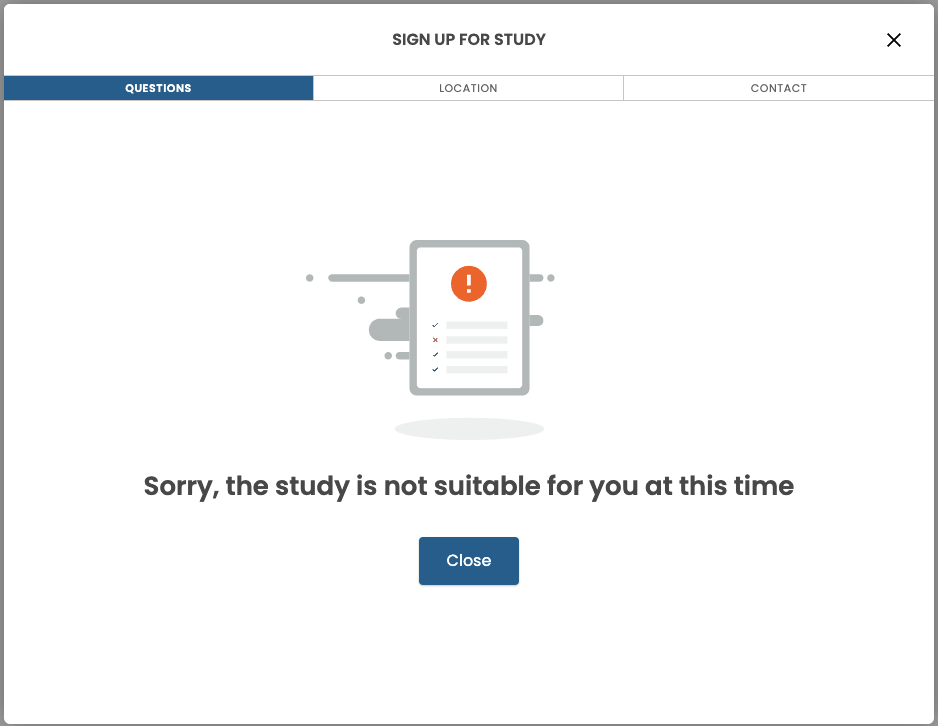
ineligible
The page where the candidate is informed that they are ineligible for the study. Relevant messages in messages.NotEligible.*.
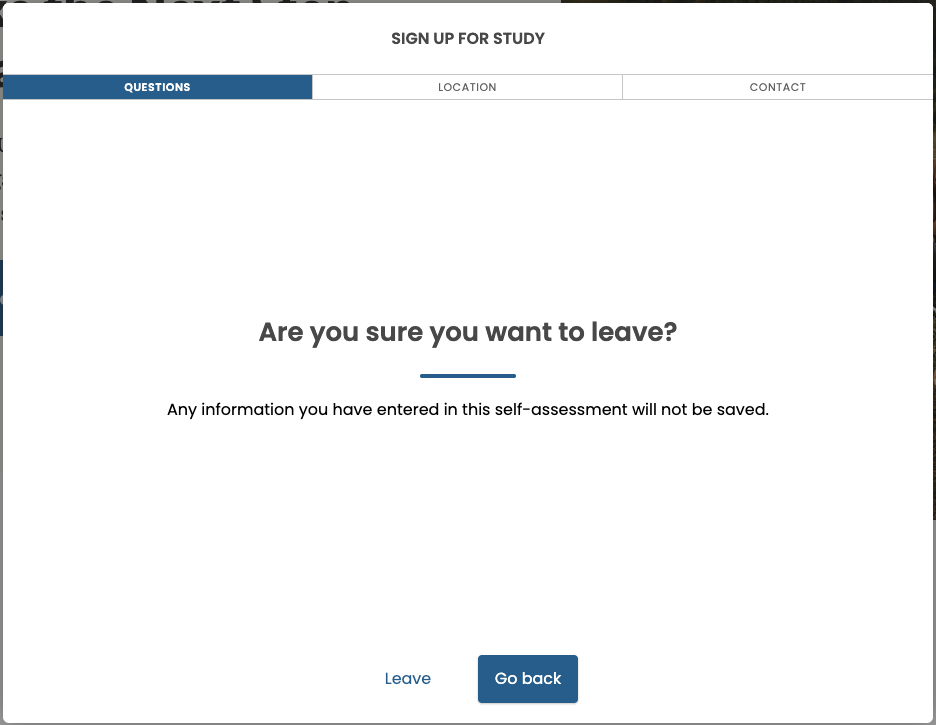
leave
The confirmation page displayed when the candidate exits the questionnaire. Relevant messages in messages.Modal.*.
clinicForm
The page where the candidate can choose the most suitable site for them, if applicable. Deprecated in favor of siteSelector. Relevant messages in messages.ClinicForm.*.
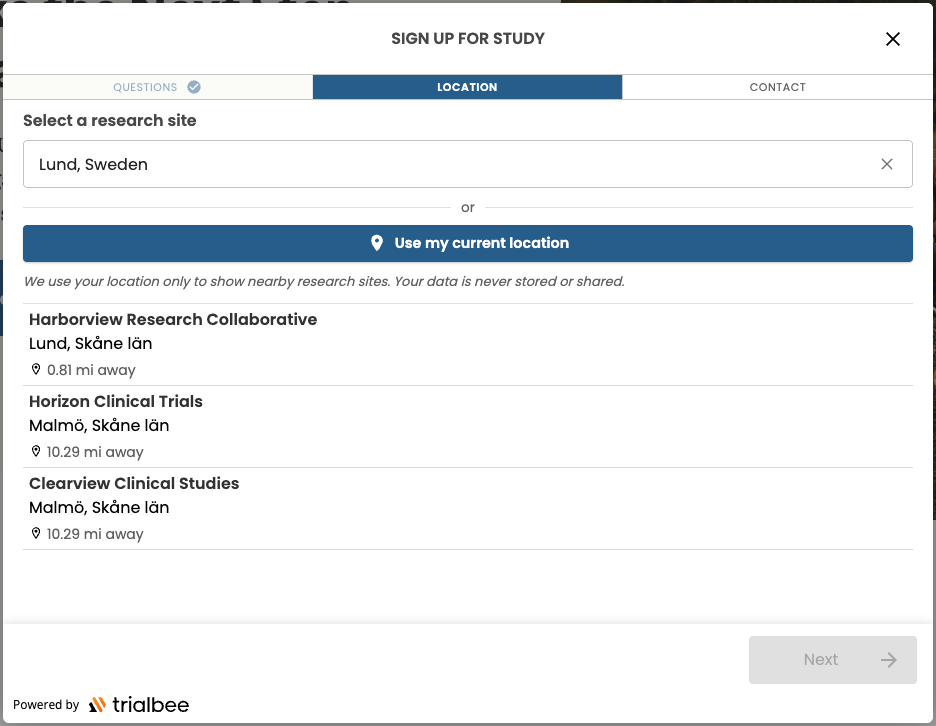
siteSelector
The page where the candidate can choose the most suitable site for them, if applicable. Relevant messages in messages.SiteSelector.*.
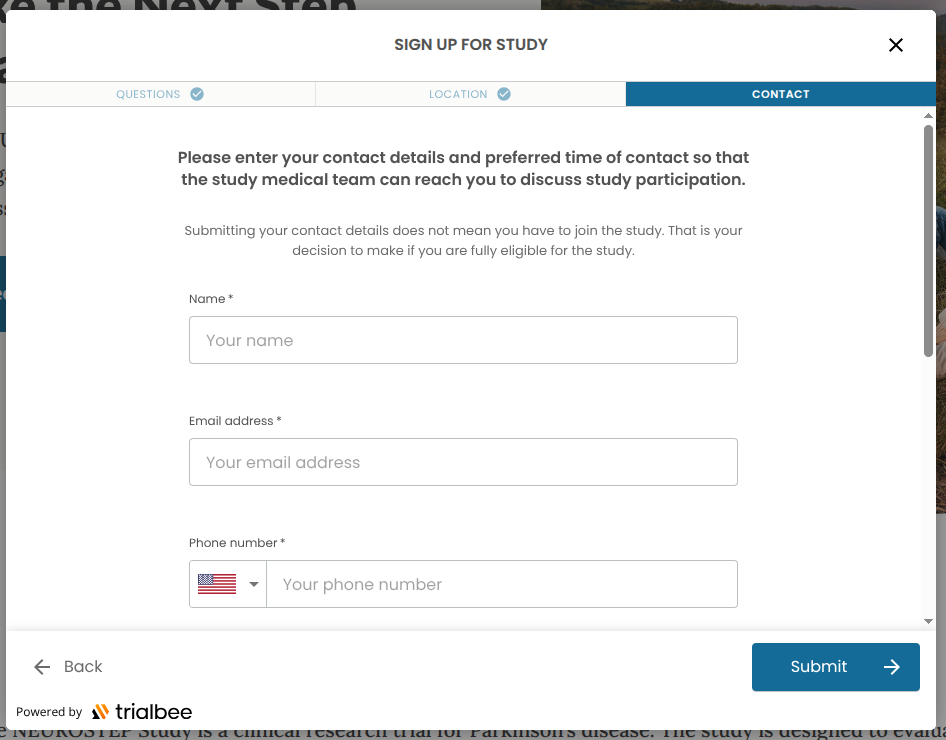
contactDetails
The page where the candidate enters contact details. Relevant messages in messages.ContactDetails.*.
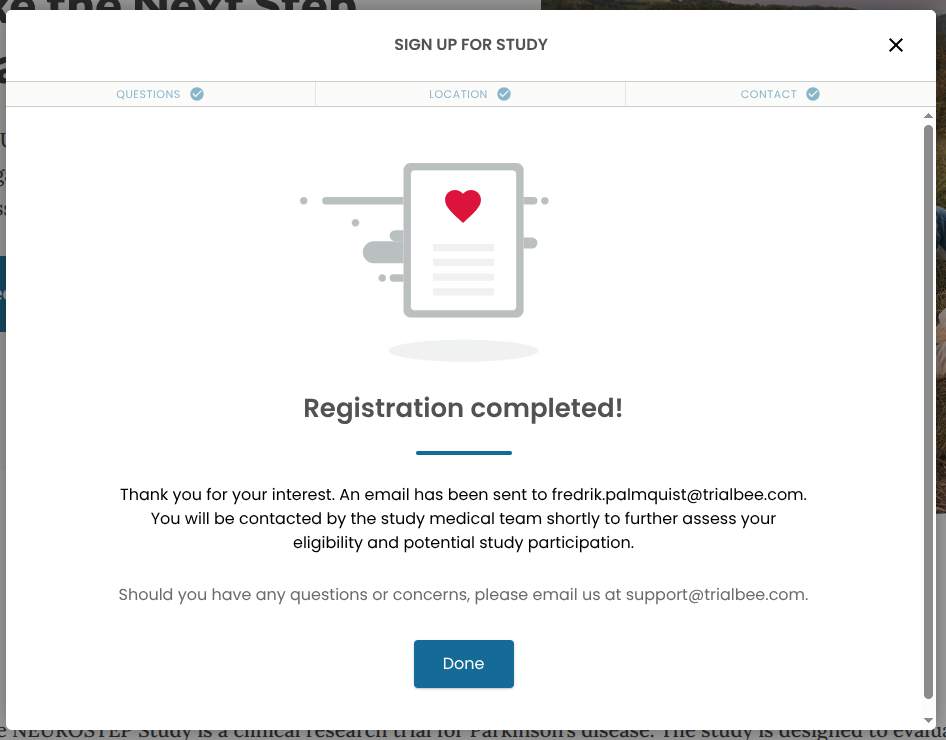
completed
The page displayed when the candidate has completed all required steps. Relevant messages in messages.Registration.* and messages.RegistrationComplete.*.